
Customize Your Awning
with an Illuminated Valance
Make your business stand out with a custom awning featuring an illuminated valance. Add a touch of elegance and nighttime visibility to your storefront, creating an inviting and eye-catching atmosphere.
Illuminated Valance
A new way to
personalize your awnings
The new ILLUMINATED VALANCE lets you add a unique touch to awnings by lighting up your clients’ brand, services, phone numbers, or any message they want to highlight.
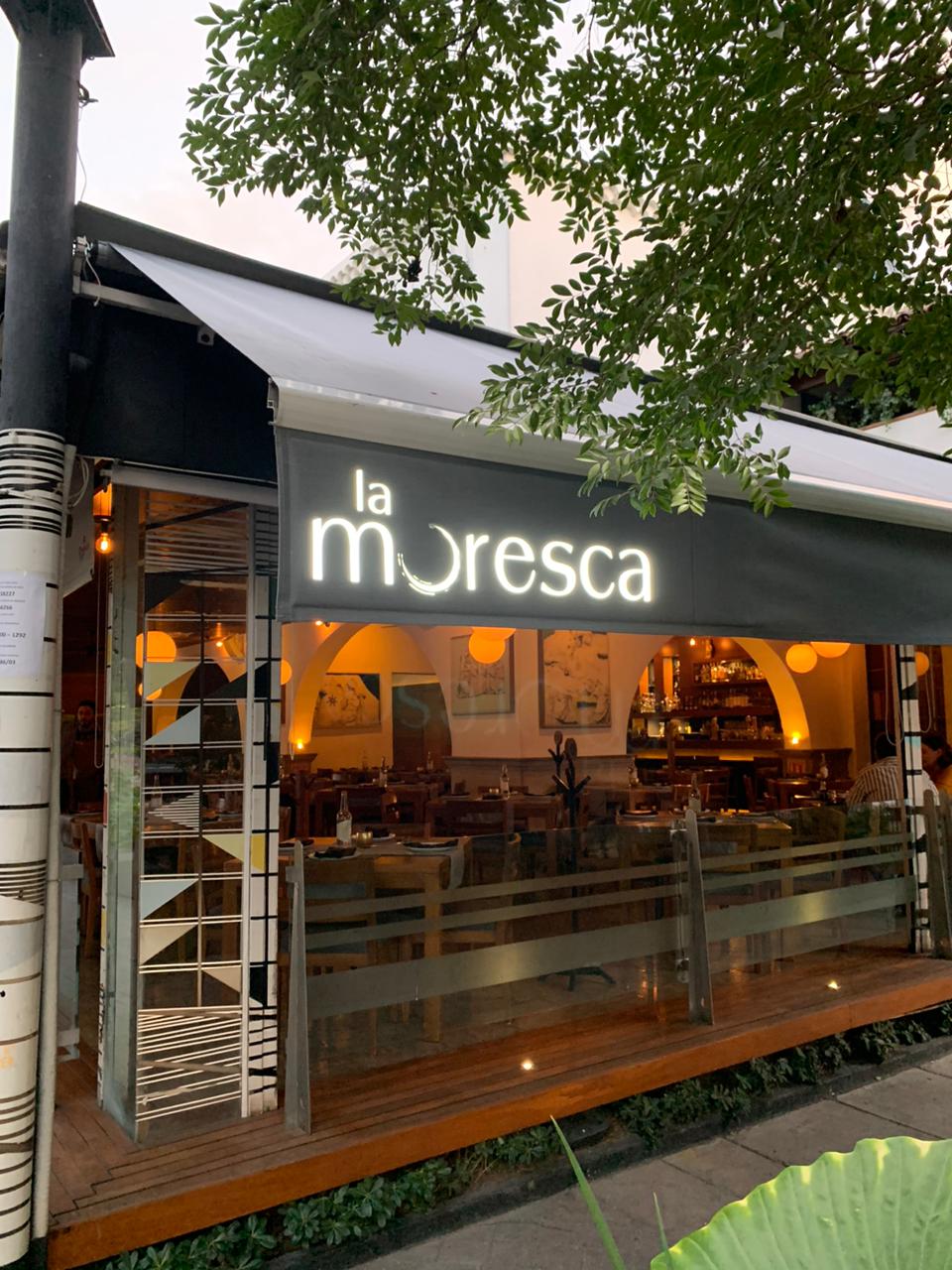
Your brand stands out at any time
The illuminated panel is equipped with high-efficiency, low-consumption LEDs, designed to ensure your brand remains visible at all hours. Thanks to its powerful lighting, the valance stands out clearly under any lighting condition, keeping your message front and center. Ideal for all types of environments, this technology is not only effective but also economical and sustainable.
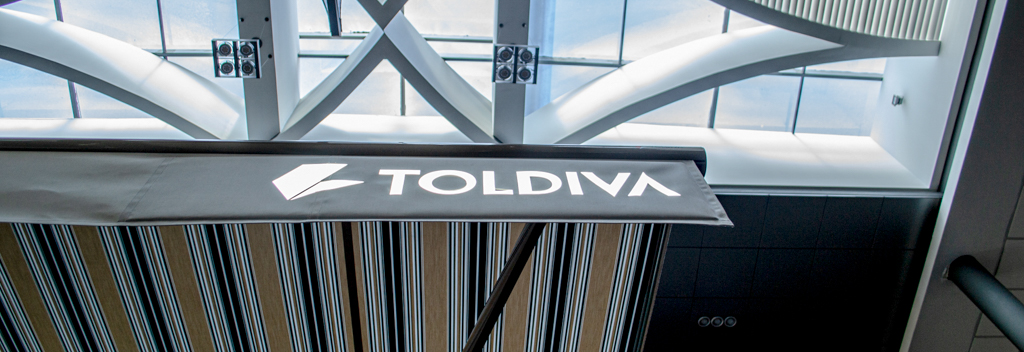
Where to Place Your Brand?
You Decide!
Our lighting system is fully modular, offering complete flexibility for brand placement. Choose to position it on the left side, right side, or even both for maximum visibility. Each module measures exactly 115×25 cm, allowing you to adapt and customize your space effectively and attractively.
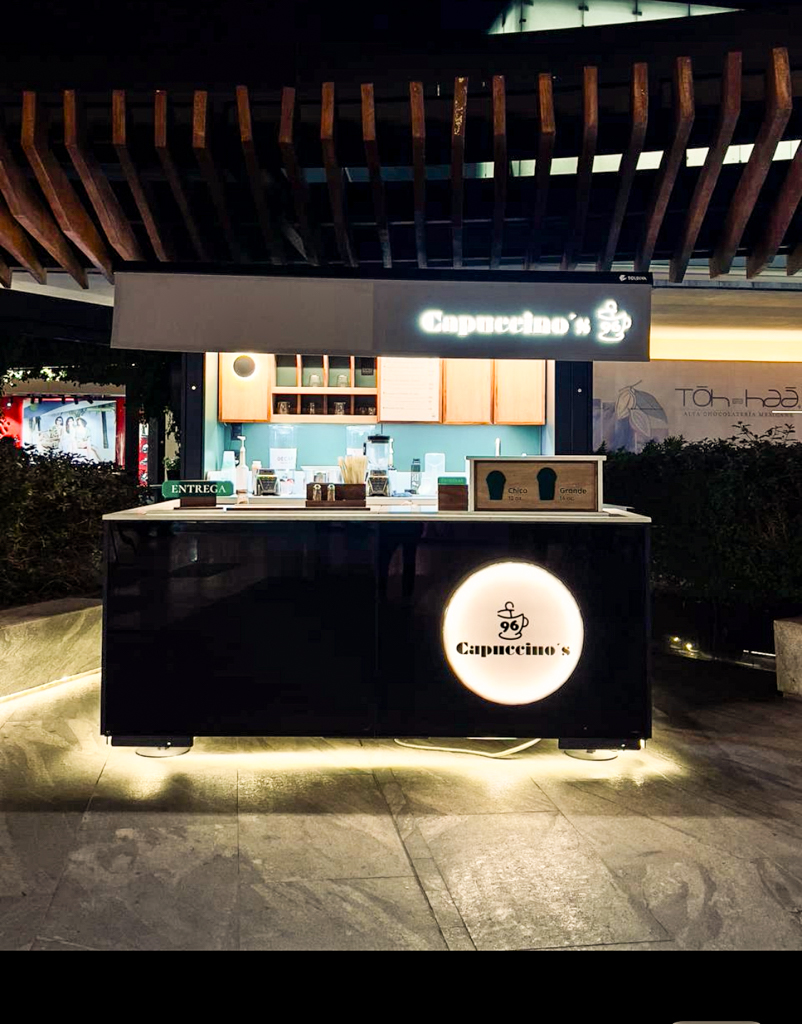

How Do I Turn On My Illuminated Valance?
The valance connects to your Android or iOS mobile device, allowing you to turn it on or off remotely. The app lets you schedule the days and times you want your valance to be illuminated.
Total Connectivity
Connect it directly to your Android or iOS device for easy remote control of your valance.
Intuitive App
Manage all your valance’s features with a user-friendly interface, right from your smartphone.
Custom Scheduling
Set the days and times you want the valance to be illuminated, perfectly tailored to your business hours and routine.
Efficiency and Convenience
Adjust your valance's performance to match real usage. This scheduling feature not only enhances comfort, but also optimizes energy consumption.
 EN
EN  ES
ES